Organize your medical records and doctor visits
Keep clinic records, discharge summaries, prescriptions, and test reports in one place, organized by date and health issue. Conversations at a doctor visit can become records too.

For iPhone, iPad, and Android · 16 languages
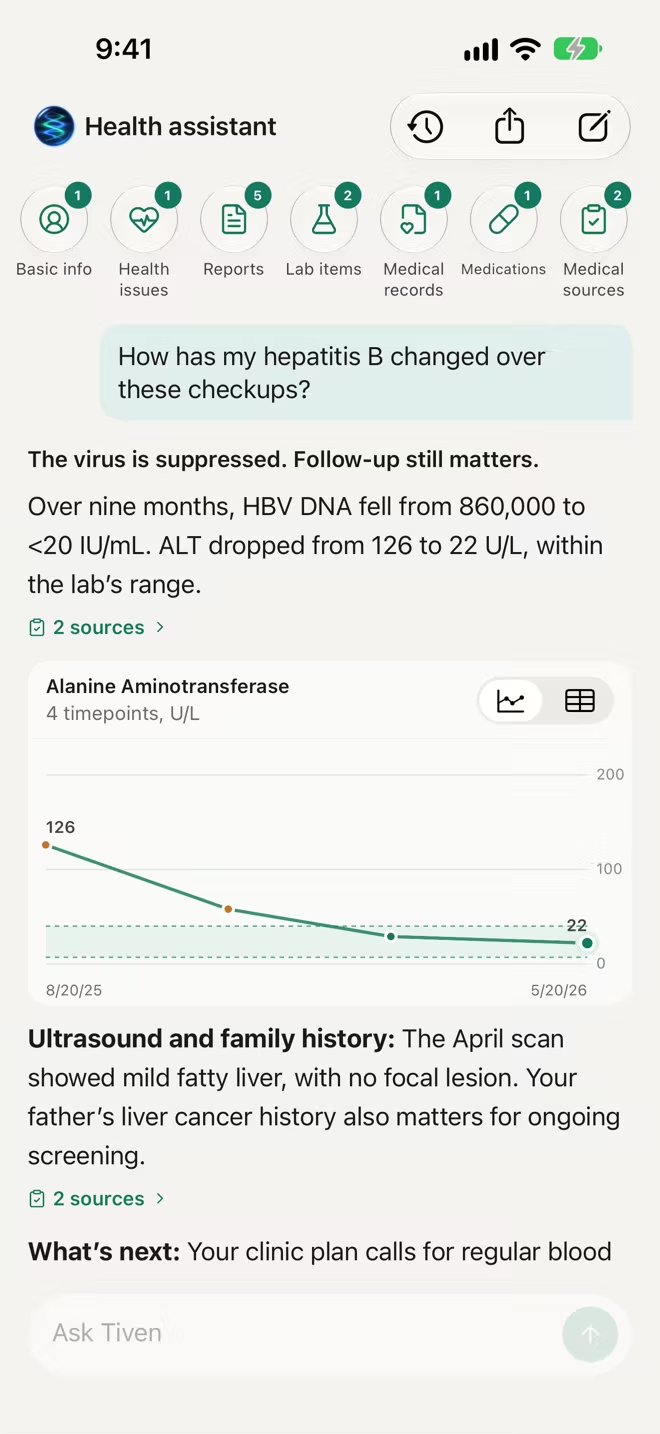
All your medical records in one place
Add records with the camera, from Photos, or from Files, or forward report emails to a family member's own forwarding address. PDF and image attachments are filed automatically.
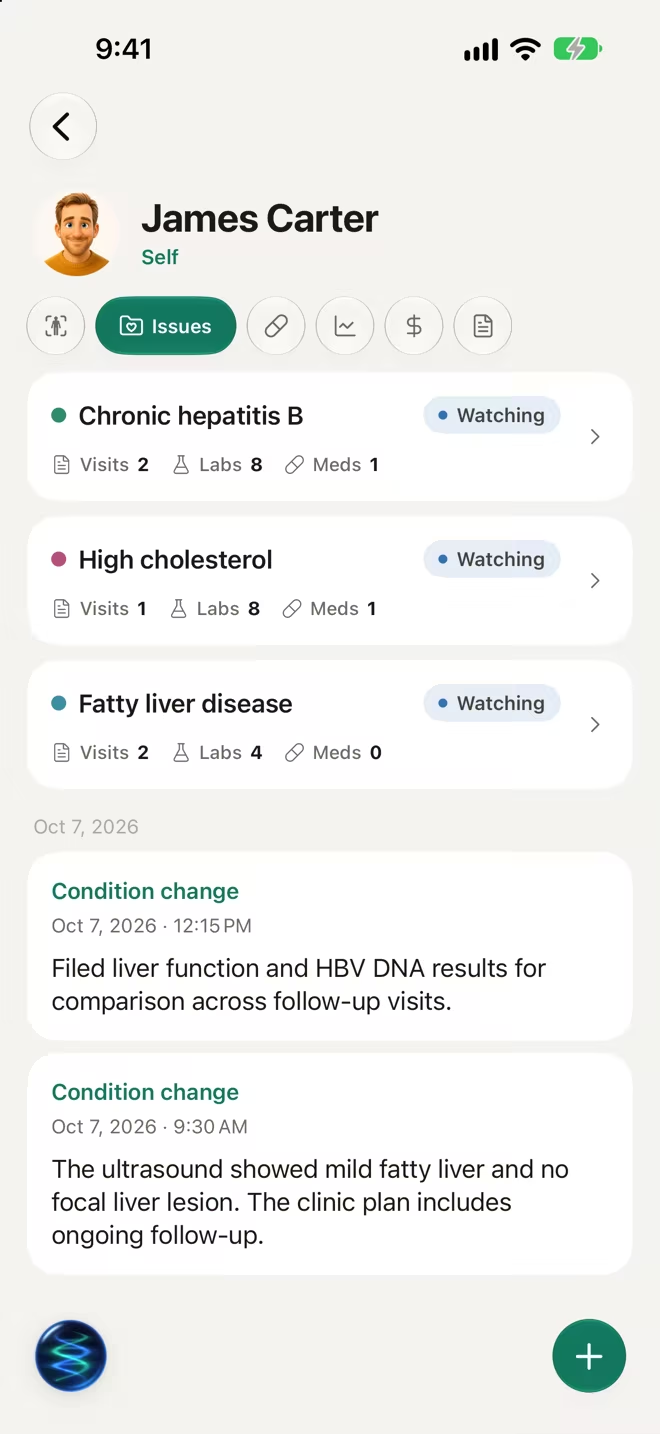
Turn a visit recording into notes
Record a doctor visit after everyone present agrees. After upload, it's transcribed and organized into draft notes. Check them against the recording, then save them to the profile. Follow-up reminders are created only after you confirm them.
Share with your doctor
Create a link to selected records for a doctor to view, such as for a referral or care in another city. You can revoke the link at any time.
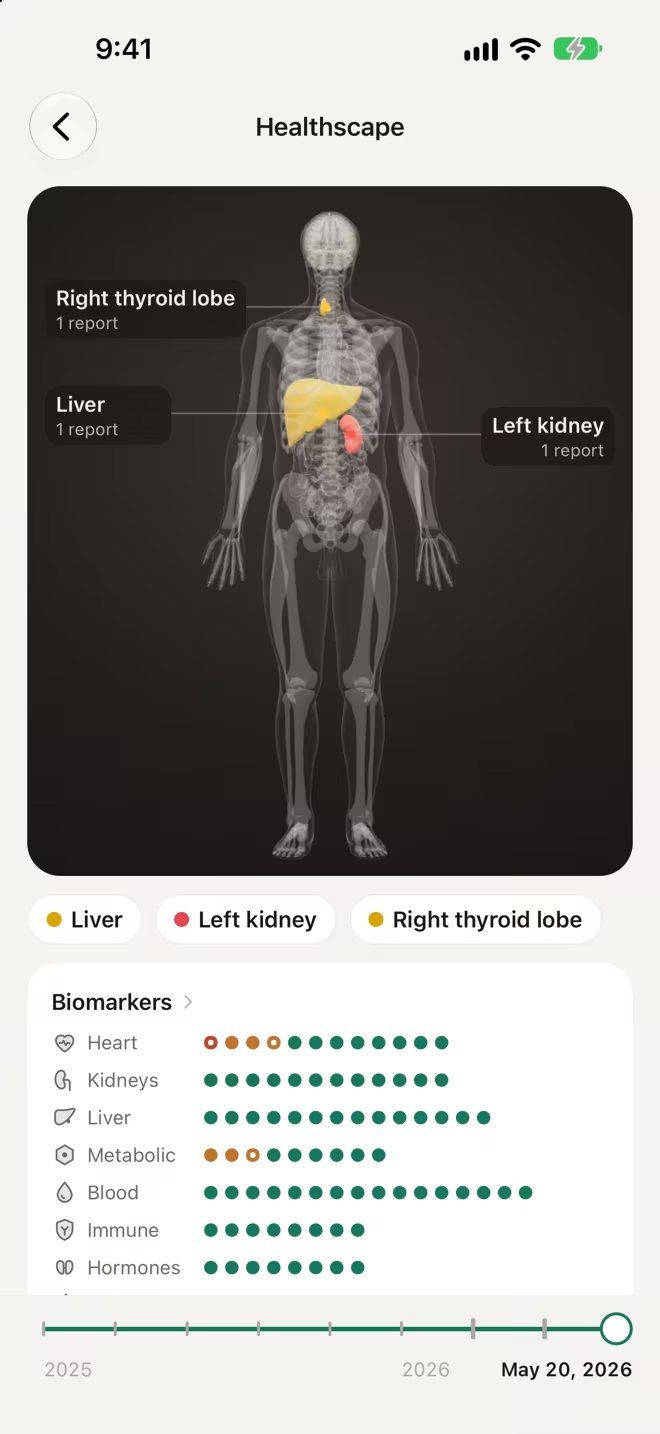
Imaging reports on the body
Healthscape places findings from imaging reports on the part of the body they relate to, so changes over the years are easy to follow.
Frequently asked questions
Can I export my medical records?
You can export all your data as JSON, CSV, or Markdown, or share selected records with a doctor through a link.
Do I need my doctor's permission to record a visit?
Yes. Get permission from your doctor and everyone else taking part before you start recording.
How does email forwarding work?
Each family member has their own forwarding address. Forward emails with reports to it, and PDF and image attachments are filed automatically. The email body isn't saved.
More Tiven features

Download Tiven for free
iPhone and iPad require iOS 17 or later · Android requires Android 8.0 or later